
Top 8 tax research software comparison (features, pricing, and best uses)

Some tax research software is built around large research libraries, requiring you to search through available materials and determine the relevant authorities themselves.
Others use AI-powered workflows that begin with a tax question and organize the research process by bringing relevant sources together for review.
Choosing a platform requires understanding how it fits into your firm’s existing workflow. The best option depends on your team’s needs, the type of research you perform, and the level of support you need throughout the research process.
This comparison reviews eight tax research platforms across three categories, explaining how they approach research, who they are designed for, and when each platform may provide the most value.
Quick comparison: top 8 tax research software options in 2026
Here’s a comparison chart on the top 8 tax research platforms compared at a glance:
This comparison is current as of September 2026 and is based on information published by each vendor. Tax software changes quickly, and features may have been added or changed since publication. Confirm current capabilities and pricing directly with each vendor before deciding.
Top 8 tax research software options for 2026
Choosing tax research software becomes easier when you compare platforms using the same criteria.
This list groups the eight research software options by how they approach research.
- AI-native platforms: use natural-language questions to help practitioners find sourced answers faster
- Established research libraries with AI capabilities: combine long-standing tax content with AI features that improve research workflows.
- Quick-reference options: provide accessible research resources for practitioners who need reliable tax information without broader enterprise features.
We review each platform across the same areas, including best use cases, research approach, authority coverage, key features, strengths, and pricing.
Category 1: AI-native tax research platforms
AI-native platforms are designed around natural-language research. You ask a tax question in plain language and receive responses supported by relevant citations. You can then review the sources, apply your professional judgment, and use the findings in your client work.
These platforms focus on reducing the time spent translating a tax issue into search terms and manually locating relevant authorities.
They support a workflow that begins with the question you need to answer, not just the documents you need to find.
1. Blue J
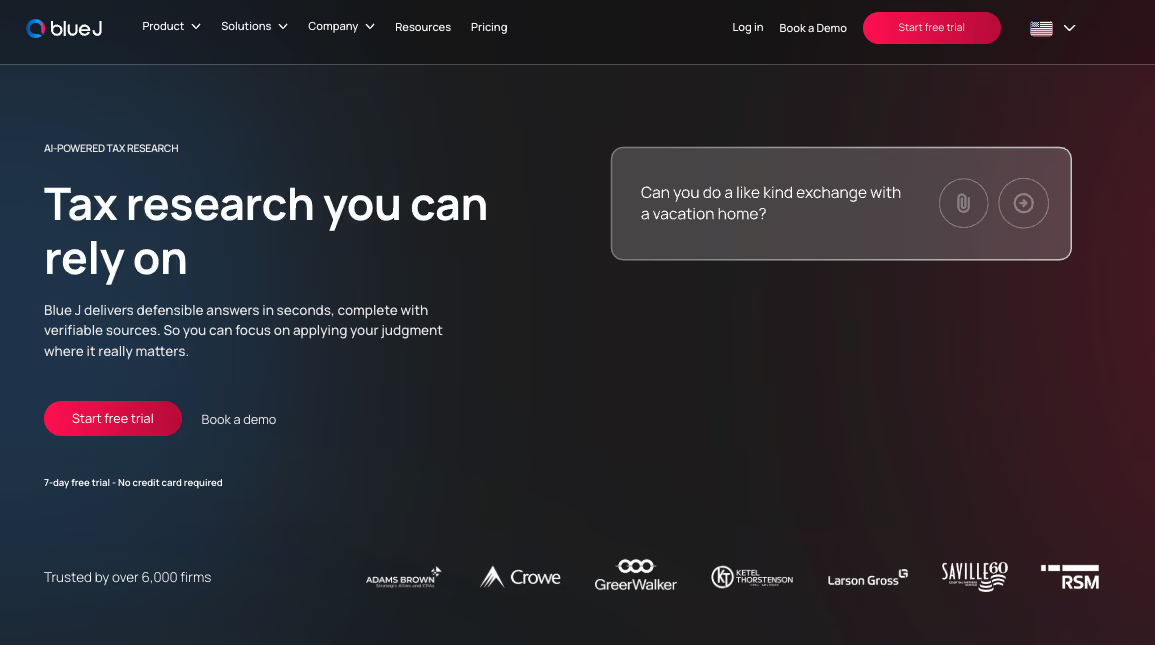
Best for: Tax researchers, tax managers, senior associates, and research teams needing fast, defensible answers with verifiable sources.
Blue J is an AI-powered tax research platform for tax and accounting professionals that allows you to ask a tax question in plain language and receive a defensible answer in seconds, supported by ranked, clickable citations back to primary authoritative sources.
Instead of building a research trail manually across multiple documents, you can review the authorities behind the answer and apply your professional judgment to the issue.
Blue J combines conversational tax research with a curated content library, helping practitioners spend less time searching and more time advising clients.
Our AI Tax Research Outlook Report found that Blue J's adoption is above 75% among monthly active users, reflecting strong engagement among practitioners who use the platform as part of their regular research workflow.
Strengths
- A research workflow built for every role: the platform is built for national firms, regional firms, local firms, and sole tax practitioners who want to shorten the path from question to signed deliverable.
- Defensible answers with verifiable sources: Blue J provides research answers with supporting citations and source lists, allowing you to review the authorities behind each conclusion, including statutes, regulations, administrative guidance, case law, Tax Notes content, and international tax resources through its IBFD partnership.
- Research and drafting in one workflow: Blue J connects tax research with client-ready outputs, helping you move from analysis to emails, memos, presentations, and other professional deliverables without switching between separate tools.
- Built for professional tax workflows: the platform supports compliance, advisory, notice response, planning, and knowledge-sharing workflows across different areas of tax practice.
- Current research foundation: with Blue J, you can work from a tax research database that is updated daily, helping teams access current information when reviewing tax questions.
- Proven scale across tax teams: Blue J has answered more than 10 million tax questions since its launch in 2015 and is trusted by thousands of organizations, including Big Four firms and Fortune 100 companies.
Key features
- Conversational tax research: ask tax questions in plain language and receive research support without relying on complex Boolean search strings or database-specific query formats.
- Citation-backed responses: review ranked, clickable citations that show the authorities supporting each answer so you can verify the research before applying it.
- Primary authority access: research statutes, regulations, administrative guidance, and case law through a workflow connected to authoritative tax sources.
- Expert commentary: access Tax Notes news and commentary, including expert analysis, Practice Articles, Special Reports, Viewpoints, and current tax developments, alongside primary sources in Ask Blue J, while IBFD adds international tax guidance through treaty analysis, country commentary, and cross-border tax content covering more than 220 jurisdictions.
- Document analysis: upload tax returns, agreements, and notices to receive research support based on specific client facts and documents.
- Tax writing: turn completed research into client-ready materials, including emails, memos, presentations, and IRS notice responses.
- Compliance support: investigate filing positions, resolve technical tax questions, and support tax preparation workflows by connecting research with the compliance process.
- Advisory support: apply research insights to client advisory work by spending less time gathering information and more time reviewing conclusions, evaluating options, and providing professional judgment.
Pricing
Blue J offers two pricing options designed for teams and individuals:
2. TaxGPT
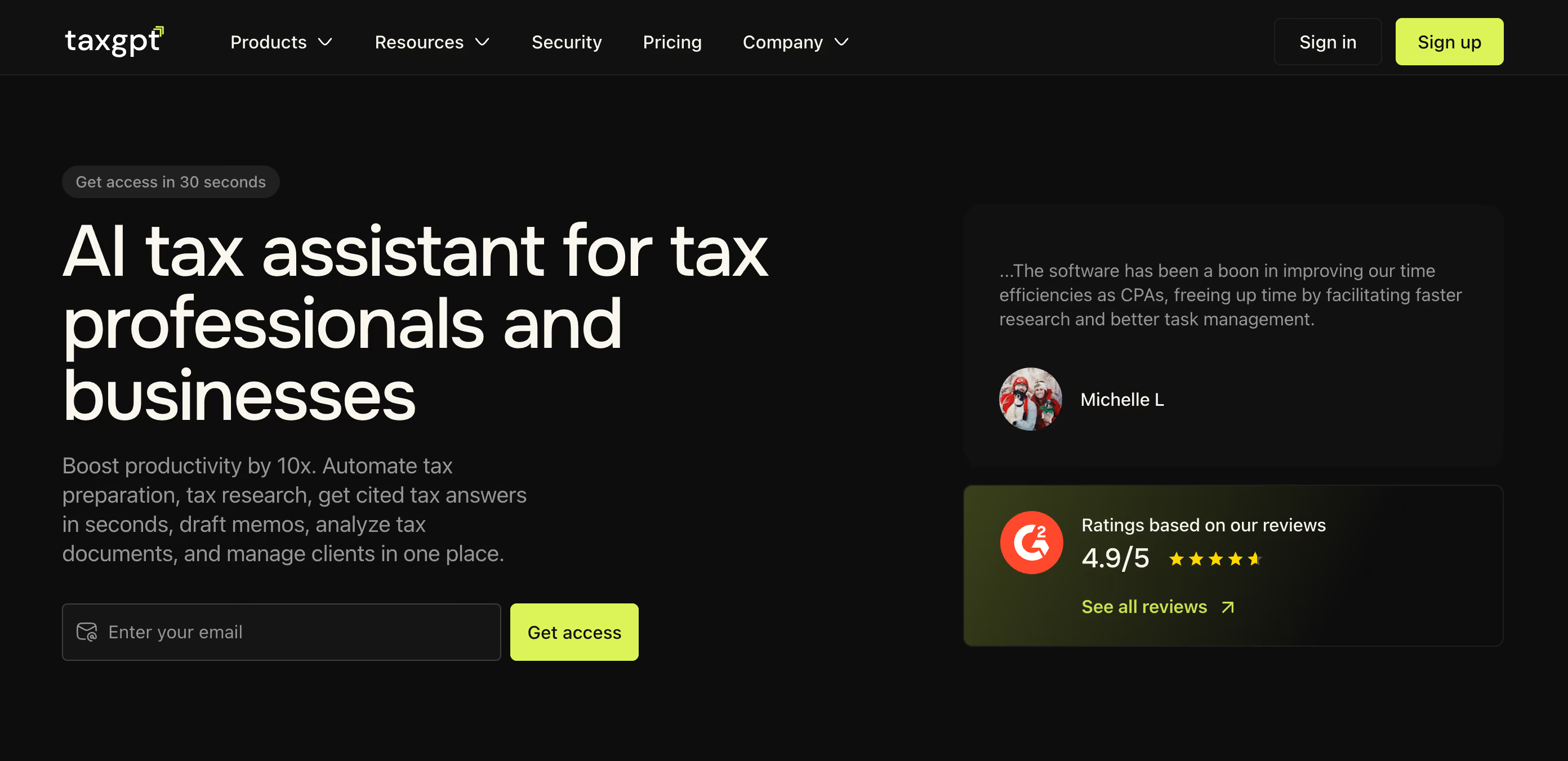
Best for: Sole practitioners and small firms looking for AI-powered tax research, drafting, and document analysis in one platform.
TaxGPT combines conversational research with workflow tools, allowing you to move from a tax question to research, drafting, and client-specific analysis.
With this platform, you can ask questions in plain language and receive citation-backed answers from authoritative sources. Alongside research, the platform supports drafting, document review, and client workflow management, making it useful for firms handling both research and preparation tasks.
Strengths
- Citation-backed tax research: TaxGPT helps you research federal and state tax questions by generating answers supported with citations to relevant sources.
- Tax document analysis: the platform helps review client documents, including tax returns, notices, and workpapers, to support fact-specific tax analysis.
- Tax drafting support: TaxGPT helps create tax-related documents, including client communications, memoranda, and responses to tax matters.
- Broader tax workflow support: beyond research, TaxGPT supports tasks such as analysis, document review, and drafting, making it an AI assistant for multiple tax workflows rather than only a research database.
Key features
- Citation-backed tax research: research federal and state tax questions with answers supported by citations to authoritative sources.
- Drafting: generate drafts for tax memos, client emails, IRS notice responses, engagement letters, opinion letters, and other tax correspondence.
- Document analysis: upload tax documents, returns, notices, and client files to analyze specific facts and provide research support.
- Client intelligence: organize client tax information, entity structures, prior-year positions, and research history in one place.
- SALT Matrix: use Matrix to compare tax questions across multiple jurisdictions.
- Tax return review: use Agent Andrew to review prepared individual and business tax returns and identify potential errors, risks, and missed opportunities.
Pricing
Pro, Pro Plus, and For Firms plans, tailored to team size and priced by demo. Free tier for individuals.
3. Accordance

Best for: Firms evaluating AI-native research alongside an existing tax research platform.
Accordance uses multi-agent AI workflows to help tax professionals research, draft, and review complex tax issues with citation-backed responses.
This research software is built for tax professionals, accounting firms, and corporate tax teams that need support with complex research questions.
Accordance supports deeper research by providing structured answers with citations, allowing practitioners to review and validate the supporting sources. It is positioned for complex tax questions that involve multiple steps or jurisdictions.
Strengths
- Built for complex professional workflows: the platform supports tax research, drafting, review, compliance, and advisory work across accounting firms, tax practices, and corporate tax teams.
- Citation-backed, verifiable answers: Accordance provides source-linked responses that let practitioners review supporting authorities and validate conclusions before applying them to client work.
- Research context that carries across projects: the platform supports organized research threads and project-based workflows, allowing teams to maintain context and revisit previous analysis instead of starting from scratch.
Key features
- AI-powered tax research: ask tax questions and receive structured answers supported by authoritative sources.
- Multi-agent AI workflows: uses multiple AI agents designed around tax professional workflows and complex research scenarios.
- Citation-backed answers: provides citations with responses so practitioners can review, validate, and support their conclusions.
- Research, drafting, and review workflows: supports tax professionals with researching, drafting, and reviewing complex tax issues across client engagements.
- Client intelligence and document workflows: vendor comparison materials indicate support for client intelligence and client document uploads. Verify current availability before publication.
- Prompt library and reusable workflows: vendor comparison materials indicate a prompt library feature for structured tax research workflows. Verify current availability before publication.
Pricing
Pricing is not publicly published. Trial availability is provided by request.
Category 2: Established libraries with AI capabilities
Established research libraries with AI capabilities combine trusted tax content with AI-powered tools while keeping practitioners involved in reviewing and applying the research.
These platforms can be a strong fit for firms that value broad research collections, familiar workflows, and integration with existing tax systems.
As these tools continue adding AI capabilities, understanding how they differ from newer approaches can help firms evaluate their current legacy tax tool user experience and identify where research workflows can improve.
1. Thomson Reuters Checkpoint with CoCounsel
Best for: Firms and tax departments needing comprehensive tax research with AI-assisted search, editorial guidance, and broad source coverage.
Thomson Reuters Checkpoint is an established tax research platform that combines proprietary tax content, primary sources, editorial analysis, and AI-powered search tools.
As part of Thomson Reuters’ broader AI-powered research approach, CoCounsel Tax helps you discover relevant information through natural-language queries, predictive search, concept markers, and research summaries.
Strengths
- CoCounsel Tax: CoCounsel is an AI-powered search tool that helps users find relevant tax information and locate content more efficiently.
- Case law research and citation tools: Thomson Reuters provides legal research tools to help you analyze cases and track legal authority.
- Integration with Thomson Reuters tax solutions: firms already using other Thomson Reuters tax products may benefit from integrations across the broader Thomson Reuters tax ecosystem.
Key features:
- Topic Summary Pages: topic-focused starting points with the most relevant research resources.
- Advisory Maps: guided tax planning and advisory workflows with step-by-step implementation support.
- Document comparison: comparison of current and historical versions of official tax documents.
- Tax calendar: personalized tracking of tax obligations by return type, calendar type, and jurisdiction.
- Concept markers: search refinement through related concepts and re-sorted results
- Powerful algorithm: AI-powered predictive search for full-phrase, natural-language tax questions.
Pricing
CoCounsel Tax Essentials is priced at $1,300 per user per year on the annual plan.
The plan includes access to the AI Assistant, document upload and analysis, workspaces and templates, client and project management features, and admin management tools.
2. CCH AnswerConnect
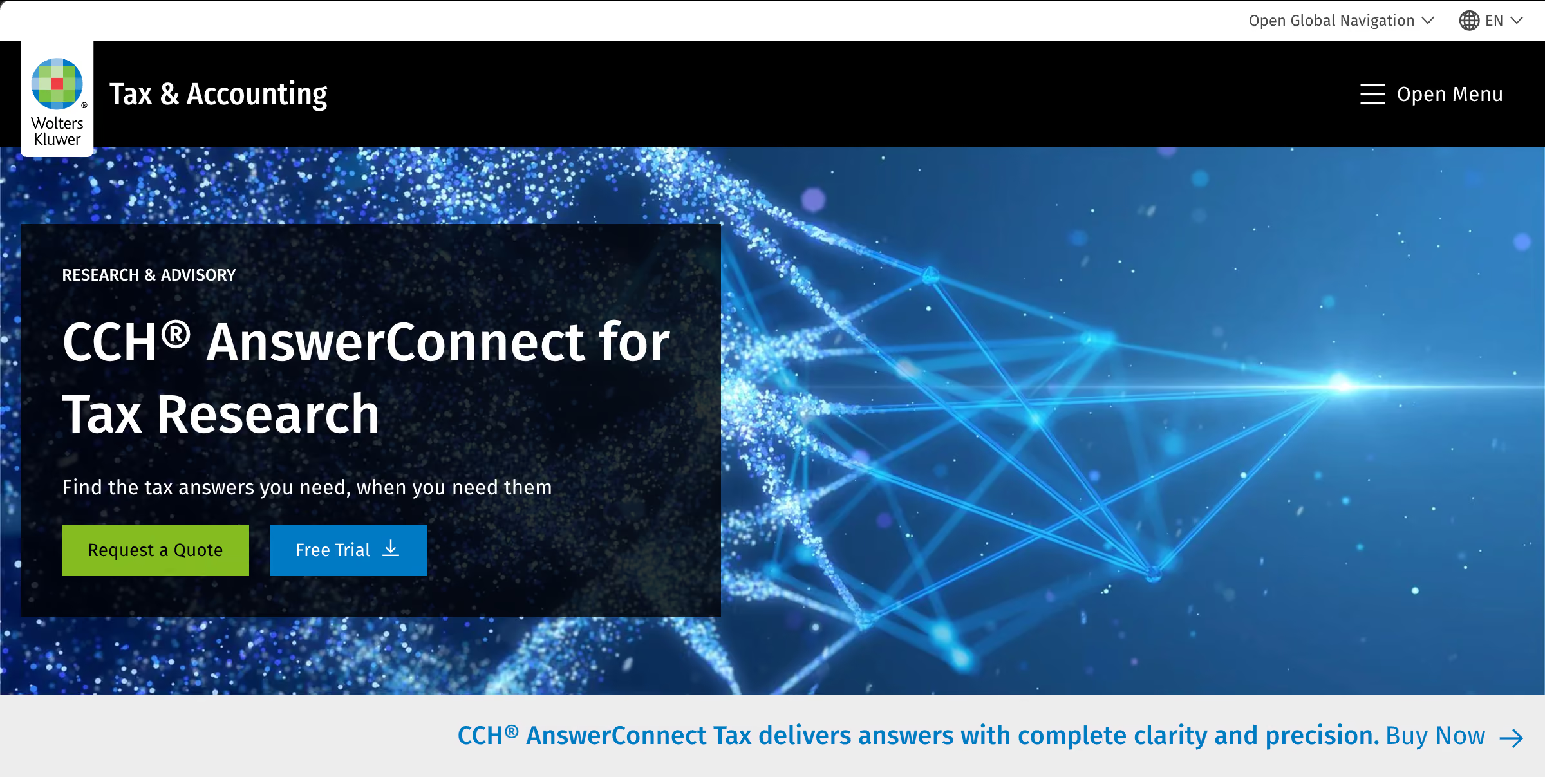
Best for: Firms already using the Wolters Kluwer ecosystem and teams researching US federal and multistate tax issues.
CCH AnswerConnect is Wolters Kluwer’s AI-powered tax research platform. It combines expert-reviewed CCH content with primary authorities, document analysis tools, and workflow support for tax professionals, accounting firms, and corporate tax teams.
The platform also connects research with broader tax workflows through integrations with products such as CCH Axcess Tax, CCH ProSystem fx Tax, ATX, and TaxWise. Its AI capabilities help practitioners find relevant information faster while keeping the review process grounded in trusted tax content.
Strengths
- Primary authority and expert analysis: practitioners can research sources such as the IRC, Treasury Regulations, IRS rulings, and court cases alongside CCH commentary that helps explain how tax rules apply.
- AI-assisted research workflows: expert AI helps practitioners ask tax questions and find relevant research using AI capabilities grounded in CCH’s expert-reviewed content.
- Document analysis for client-specific research: users can upload tax returns, agreements, and other documents to analyze facts and support tax research.
- Integration with CCH tax solutions: firms using Wolters Kluwer products can connect research workflows with broader tax preparation and compliance processes.
Key features
- Expert AI-powered research: use generative AI grounded in expert-vetted CCH research and current tax guidance to help identify relevant answers faster.
- Client document analysis: upload tax returns, agreements, and other client files to ask questions based on specific facts and documents.
- Practical tools and practice aids: use Smart Charts, calculators, and client memo tools to turn research into client-ready outputs.
- CCH product integrations: connect research workflows with CCH Axcess Tax, CCH ProSystem fx Tax, ATX, and TaxWise.
- Tax news: follow current tax developments alongside research.
- US Master Tax Guide: access Wolters Kluwer's established federal tax reference material.
- SmartCharts and research tools: compare tax rules and work with charts, forms, and workflow resources.
Pricing
The pricing structure for CCH AnswerConnect includes:
- Tax package: starts from $1,499.
- Essentials tier: around $750.
- Additional plans: available by quote.
- Free trial: seven-day trial available.
3. Bloomberg Tax Research
.avif)
Best for: Corporate tax departments and firms handling complex federal, state, international, and transactional tax matters.
Bloomberg Tax combines AI-powered research tools with practitioner-written analysis, primary sources, tax news, and regulatory updates to support complex tax work.
It provides tax professionals with access to research resources covering federal, state, international, and transactional tax issues. The platform combines primary authorities with expert analysis and tax news, helping practitioners research complex matters and stay informed about regulatory developments.
For larger tax teams, Bloomberg Tax offers tools designed around detailed research workflows, including AI-assisted answers, compliance tracking, and jurisdictional comparisons.
Strengths
- Expert analysis and practitioner-written content: Bloomberg Tax provides Tax Management Portfolios and other expert-developed analysis that helps professionals understand and apply complex tax rules.
- Support for corporate tax workflows: the platform provides research, planning resources, and solutions designed to support corporate tax teams managing complex tax matters.
- AI-powered research capabilities: Bloomberg Tax uses AI features to help users find relevant answers faster by drawing from Bloomberg Tax content, including Tax Management Portfolios and other trusted research resources.
- Connected tax solutions: integrates research with related tax workflow tools, helping professionals access tax intelligence alongside compliance and reporting processes.
Key features
- Bloomberg Tax Answers: AI-generated summaries that provide answers to tax questions with supporting primary sources and Bloomberg Tax expert analysis.
- Bloomberg Tax AI Assistant: chat-based AI research tool that provides cited answers to complex tax questions using Bloomberg Tax’s authoritative content.
- Tax Management Portfolios: practitioner-authored tax analysis covering complex tax topics, providing detailed explanations and practical guidance alongside primary authority.
- Compliance Tracker: track tax compliance requirements across entities and jurisdictions, including tax forms, filings, due dates, alerts, and changing obligations.
- Chart Builders: create tax comparison charts across areas such as apportionment, filing requirements, penalties, VAT, and withholding tax. Compare criteria by jurisdiction or state, and link to related Tax Management Portfolios for deeper analysis.
Pricing
Quote-based. Contact Bloomberg Tax.
4. LexisNexis (Tolley+ with Protégé)
Best for: CPA firms, corporate tax teams, and tax departments handling compliance research and multi-jurisdictional tax analysis.
Tolley+ with Protégé combines LexisNexis tax content with Protégé AI to support tax research, compliance workflows, issue spotting, and analysis across multiple jurisdictions.
Strengths:
- Broad tax research coverage: Tolley+ with Protégé combines more than 1,400 tax, accounting, and estate sources across federal, state, local, and international topics, giving practitioners access to a wide research library.
- AI-assisted research grounded in authoritative content: Protégé Ask helps practitioners research tax questions using conversational queries while grounding responses in LexisNexis tax content and supporting research materials.
- Support for complex multi-jurisdiction research: the platform brings federal, state, local, and international tax resources together to support research involving multiple jurisdictions.
- Research tools designed for tax workflows: features such as Code Compare, Search Trees, and Search Term Maps help practitioners compare authorities, refine searches, and navigate complex tax research more efficiently.
Key features:
- Protégé Ask conversational research: ask tax questions in natural language and receive AI-assisted answers grounded in authoritative tax content.
- Authoritative tax content library: access more than 1,400 sources covering federal, state, local, and international tax, alongside accounting and estate topics.
- Document and spreadsheet analysis: analyze uploaded documents and spreadsheets as part of the research workflow.
- Guided workflows: use structured workflows and practical research tools designed to support recurring tax tasks.
- Multi-jurisdictional analysis: research tax issues across federal, state, local, and international jurisdictions in one platform.
- Comparison and search tools: use tools such as Code Compare, Search Trees, and Search Term Maps to compare authorities, refine searches, and navigate complex research.
- Federal Code Reporter: access IRS guidance, including Private Letter Rulings, Technical Advice Memoranda, and Revenue Rulings organized by IRC sections.
- Tax guides and practical analysis: access comprehensive tax guides, practice insights, examples, and drafting resources across federal income tax, estate and gift tax, international tax, and federal tax procedure.
Pricing
LexisNexis’s Tolley+ with Protégé AI software runs a custom-based pricing structure.
Category 3: Quick-reference options
You may need reliable online tax research library resources without the broader features of enterprise platforms.
These quick-reference options provide access to federal tax authorities and analysis without the higher costs and advanced functionality associated with enterprise research platforms.
1. Parker Tax Pro Library
.avif)
Best for: Sole practitioners and small tax firms that need affordable access to comprehensive federal tax research resources, practical analysis, and IRS materials.
Parker Tax Pro Library focuses on federal tax research, combining expert-written analysis, primary tax authorities, IRS materials, practice aids, and research tools for practitioners who need reliable resources without the broader enterprise features of larger platforms.
Parker Tax Pro Library provides a focused collection of federal tax research resources, including expert analysis, primary source materials, IRS guidance, and practical tax tools. The platform is designed for professionals who need dependable support for federal tax questions without the cost and wider features of enterprise research systems.
Strengths
- Focused federal tax research resources: Parker Tax Pro Library provides practitioners with access to federal tax analysis, primary authorities, IRS guidance, and practical research materials for handling federal tax questions.
- Practical analysis and research support: the platform combines expert-written tax analysis, examples, explanations, and practice aids to help practitioners understand and apply federal tax rules.
- Access to primary authorities and IRS materials: Parker Tax Pro Library includes resources such as the IRC, Treasury Regulations, IRS rulings, procedures, notices, court decisions, and other federal tax guidance.
Key features
- Comprehensive federal tax reporting: periodic bulletin that explains federal tax developments and summaries.
- Practical examples and practice aids: use more than 3,000 examples, client letters, checklists, tax election statements, and other resources designed to support client work.
- Quick reference resources: find frequently used tax information, including rates, thresholds, credits, phaseouts, and other recurring tax questions.
- Expert tax analysis: access 25 volumes of practitioner-focused federal tax analysis covering a wide range of topics with practical explanations and examples.
- Primary authority sources: research federal tax authorities, including the IRC, Treasury Regulations, IRS materials, court decisions, and tax treaties.
- IRS materials and tax case library: access federal tax cases, IRS guidance, private rulings, and other IRS documents, including Revenue Rulings, Revenue Procedures, Notices, PLRs, TAMs, IRS Publications, and Audit Technique Guides.
Pricing
Parker Pro Library costs $591 per year for full access, frequently discounted to around $441, with a 30-day money-back guarantee.
Traditional tax research software vs AI-powered tax research platforms
Both traditional tax research software and AI-powered tax research platforms rely on curated tax content, primary authorities, and research materials. The difference is how they help you move from a tax question to a defensible conclusion.
Traditional tax research platforms help you find relevant documents and authorities through search tools, leaving you to review the sources, interpret the guidance, and build the analysis.
AI-powered tax research platforms use natural-language questions to organize relevant information, synthesize research, and present supporting authorities for you to review and verify.
The gap between these approaches is narrowing as established research providers continue adding AI capabilities.
Many traditional platforms now include AI-assisted search, summaries, and workflow tools, while newer AI-native platforms are designed to understand the research question and help structure the analysis from the start.
As we discussed in our 2026 AI Tax Research Solution Outlook Report, AI's role in tax research continues to expand as firms evaluate how these tools fit into existing workflows.
For practitioners, AI changes the workflow by reducing the time spent gathering information while keeping authority review and professional judgment with the tax professional.
How to choose the right tax research software
A useful tax research software comparison starts with three questions:
- What type of tax research does your firm handle?
- Who will use the platform?
- How does the platform fit into your existing workflow?
Before choosing a platform, evaluate how each option supports your firm or tax research needs as a core motivator, rather than comparing features alone.
Step 1: Identify your firm's research needs
Start with the type of tax work your firm handles, the jurisdictions you cover, and how often your team performs research.
Research volume should guide your decision. Firms handling frequent tax questions, multiple engagements, or complex research matters may need a platform that supports higher volume without adding administrative burden.
Research speed is another factor to consider. When practitioners spend significant time locating authorities, reviewing sources, and verifying conclusions, a platform that streamlines those steps can help reduce the time required to move from a question to a supported answer.
Step 2: Evaluate the authority coverage of each software
A tax research platform should provide access to the authorities your team relies on most. So compare federal tax law resources, state coverage, international tax materials, and court decisions before choosing a platform.
Check whether the software provides access to:
- Internal Revenue Code: review statutory authority supporting tax positions.
- Treasury Regulations: access regulatory guidance interpreting tax rules.
- IRS guidance: research administrative guidance, including published IRS materials.
- Court cases: review judicial decisions relevant to tax issues.
- Editorial analysis: use expert commentary to understand how authorities apply in practice.
The breadth of a research library matters, but currency matters just as much. A comprehensive platform with outdated information can create problems when practitioners need current guidance.
You can verify official federal tax sources through the IRS tax code, regulations, and official guidance.
Step 3: Test software usability
Run trials with the practitioners who will use the platform daily, not only the decision-makers approving the purchase.
Evaluate the search experience, learning curve, and whether the workflow feels natural for your team.
A platform that looks impressive during a demo still needs to work in real research situations. Test how quickly users can find answers, review sources, and complete common tasks.
Step 4: Measure ROI
Measure what the platform changes in your current workflow. Consider time saved, reduced duplicate research, and improved review processes.
Look beyond subscription costs and identify what the software replaces, such as outsourced research invoices, internal specialist time, or unused licenses that teams rarely access.
Step 5: Run a pilot
Before making a final decision, test the platform with real questions from your current docket. Include a mix of federal, state or local, and international issues if your practice handles cross-border work.
Choose at least one difficult fact pattern and measure the full process from the initial question to a verified answer, including citation review. Then track adoption by seeing how many team members continue using the platform without additional prompting.
Frequently asked questions about tax research software
1. How much does tax research software cost?
Tax research software pricing varies by platform, number of users, content access, and included features. Some providers publish subscription prices, while others offer customized quotes based on a firm’s requirements. When comparing options, consider the total value, including research capabilities, workflow improvements, and long-term costs.
2. Is AI replacing traditional tax research databases?
No. Most established databases have added AI rather than being displaced by it, and every platform in this comparison still depends on a curated library underneath. What changes is who assembles the answer.
AI shortens the path from question to draft position, and the practitioner still reviews the authorities and signs.
3. What is the difference between a tax research database and AI tax research software?
A database returns documents matching your search, and you read them and build the position. AI research software returns a synthesized answer with its authorities attached, and you check those authorities rather than assembling them. The library behind both can be identical. The work you do with it is not.
4. Which tax research software is best for CPA firms?
The right choice depends on the firm’s needs. For example, Blue J works for firms of all sizes, from sole practitioners to large tax teams that need faster, citation-backed research. Parker Tax Pro Library suits small firms looking for affordable federal tax research. Larger firms may prioritize broader coverage, advanced workflows, and system integrations.
5. How accurate are AI-generated tax research answers?
Accuracy depends on what the tool retrieves from. A platform restricted to curated primary authority behaves differently from a general-purpose model generating citations from training data.
The closest published evidence comes from legal research. A 2025 Stanford study in the Journal of Empirical Legal Studies found that leading AI legal research tools hallucinated in 17% to 33% of responses, and those results reflect mid-2024 versions of the tools.
But Blue J answers from a curated library of primary authoritative content, including exclusive Tax Notes and IBFD material, maintained by a dedicated legal research team. So every answer comes back with ranked, clickable citations for you to verify against authoritative sources.

Stay up to date